About Kristan Franco

Kristan Jan Q. Franco is rooted from General Santos City, and is a 20-year old student of Notre Dame of Dadiangas University. With the course Information Technology, he is into web designing, graphic designs, ads, and photography. Having been introduced into digital tools such as Adobe Photoshop and CSS coding, he began designing variety of graphics in his high school days. When he stepped into college, his interests expanded. With a cheap digicam and a Single Lens Reflex camera, he was engaged into photography and sees it as a hobby. Read more about KFranco »

Basic Image Editors for Designers Online

Posted by Kristan Friday, December 25, 2009 View Comments

The very basic image-editing program I knew when I found out that I love sketching and designing was MS-Paint! Of course, it would help a lot if you learn a higher program aside from the very basic brush and drag feature of MS-Paint to fully expand your skills in image-editing.

Until...

Certain softwares were created to suffice the needs of the on-growing skills of a designer. Photoshop and Corel Draw arrive in the scene. Since some of us could not afford purchasing software like these, unless you maximize the use of torrent sites, software publishers created an online extension of image-editing software. Bookmark these sites now:

Photoshop Online - Adobe's online photoshop. Focuses on image optimizing tools such as cropping, red-eye reduction and resizing.

kristanfranco.blogspot.com

Aviary Phoenix - Aviary's image-editing program. The program features various filters and can be exported to popular file formats for future online purposes.

kristanfranco.blogspot.com

Sumo Paint - Very user-friendly program. Beginners could start making beautiful output with Sumo paint. Its functions are very similar with Photoshop, it offers filters, shapes, and support layers.

kristanfranco.blogspot.com

Pixlr - One of the very basic editors among these 5 online image-editors.

kristanfranco.blogspot.com

Splashup - resembles Photoshop and can integrate with your Flickr and Picasa album.

kristanfranco.blogspot.com


Most of these online image-editors resemble Photoshop, the tools were very common.

Be sure to subscribe in this blog for updates like these.

Friendster's Facelift - Too late

Posted by Kristan Thursday, December 24, 2009 View Comments

Two years ago, i've been an active user of Friendster. I was a top user of the social network. I can even recall how I gain a thousand of friends with the social network, joined interest-related groups. I even became a poser of a celebrity. Shh.

kristanfranco.blogspot.com

The downfall of Friendster began when the site has been acting weirdly, users loss their collection of friends, and even the thousand of comments, those valuable and mostly graphics! Users reacted negatively about the site. The admin expected a mass of complaints regarding the happening.

The problem lasted for about a month. As expected, thousand of users left and tried other social networking sites. Then here comes Facebook.

Since all my comments and friends were unexpectedly deleted in my Friendster profile, I decided to tryout Facebook and validate if it is just like Friendster itself. So I tried registering an acocunt.

After a few months, I've been indulge into Facebook's realm, a plan on deleting my Friendster account has been pondering me. I end up leaving my Friendster account untouched for some certain reasons. From that moment, I began to see Friendster's downfall.

kristanfranco.blogspot.com

December - I decided to check Friendster to view some of my old photos, at first, I thought I arrived at the wrong url, but soon I saw the scribbled logo of Friendster. The whole site had been reconstructed, the layout, the color, and Friendster itself. Friendter undergone facelift, but it's too late. They would definitely can't make-up with their loss. It's very late.

kristanfranco.blogspot.com

The interface is quite good, bright colors would attract, but unfortunately, the site loss its formality. A child can even scribble a Friendster logo just like that. On the other hand, the site receive most of the positive feedback from their former and new users. Friendster eventually undergo facelift to compete with the current outstanding Facebook, or probably just to make their site on the headline again.

Well, in conclusion, I would never be an active Friendster user again. I'll just log in for some important purposes such as getting old photos, but i'll never be a top Friendster user again. It's just a matter of decision.
Subscribe in this blog now! Click here.

An Open Letter to Santa

Posted by Kristan Wednesday, December 23, 2009 View Comments


Dear Santa,

I've been dying to see your real face. Its 24th of December and I haven't received any gift from you yet. You even left our dashboard messy and didn't even bother to leave a real Christmas present. If you're reading this right now, hope your conscience will help you decide. Since you're already a fat fella, I won't even bother to share mom's good old baked macaroons . I know you're restless but what about making my day happy?

Dear fat man, hours from now you'll be busy dropping gifts on houses, but you're forgetting to drop a single present here. If you think I'll be off wandering in my sleep, hell no, I'll be waiting for a drop from you. I'm also planning to get a glimpse on your toyshop there, North Pole must be way freezing now. One thing, are your elves sexy? World wide web must be joking, I see booty elves. Who knows? You yourself know.

Well, if you can't accept my smallest request, will you just make these Chicken instantly covered with breadcrumbs. I know, I don't believe in magic, but I believe in your fat tummy. Since we've got no chimney, i'll wait for you in our small gate. If you also got time, could you fetch my clothes in the laundry shop nearby? I'm sure you'll agree. Lastly, can you provide me a laptop? Camera? You know these are my past time!

Come on, i'm sure you still got some of your tricks there. I know you can grant the wishes of a shallow person like me. I know you will. Anyway, same as you, i'll be taking a break, school was hell. Let's all hope, along with your sneezing reindeer, that this Christmas will be another interesting and great affair to experience. Goodluck to your gift-dropping tonight fat! Just be sure to greet all the fellas you see tonight!

Truly Yours,
Kristan Franco


P.S.
WHITE BEARD rocks!

I've been there: Jojie Alcantara Photography Workshop

Posted by Kristan Tuesday, December 22, 2009 View Comments

As a photography hobbyist, joining photography-related workshops and photo-walks is a great way to develop one's skills. Composition and proper lightings, these are one of the very basic learnings a hobbyist must understand in order to come up with variety of good shots.

Photography has been my hobby since my junior years in high school. Since this hobby is quite expensive to pursue, owning DSLR cameras and use of certain gadgets should be the very foundation.

I borrowed an Olympus E-500 from Orman Manansala, author of Ganda Ever So Much, to suffice my needs in shooting. I only got a handy-dandy digicam so far. My first official photography workshop happened last December 21,2009 at The Farm, Koronadal. That was my first time in The Farm.

Jojie Alcantara's workshop lasted for 8 hours. The event was jampacked by SOCCSKSARGEN Bloggers. Bloggers from Koronadal city and General Santos were there, most of us bagged cameras. The SOCCSKSARGEN Blogger's Christmas party was also held that afternoon.

Photography workshop at The Farm, Koronadal City: kristanfranco.blogspot.comPhotography workshop at The Farm, Koronadal City: kristanfranco.blogspot.com

The event started 15 minutes later after we settled inside the place's function hall. Everything was in order, each blogger then introduced their blog. Later on, the workshop proper started with a dose of the colorful photos taken by Ma'am Jojie. The Opera Campus Crew of MSU also introduced the features of the Opera browser, led by Alexis Chua, author of DeBlogged.

Photography workshop at The Farm, Koronadal City: kristanfranco.blogspot.comPhotography workshop at The Farm, Koronadal City: kristanfranco.blogspot.com

In summary, what we all learned in composing photographs:

1.) Consider Rule of Thirds
2.) See for patterns
3.) Leading lines
4.) Perspectives
5.) The Worm's eye-view (shooting from the bottom)
6.) The Bird's eye-view (shooting from the top)
7.) Reflections
8.) Details
9.) Horizons
10.) The foreground, subject, and background.

The Farm, Koronadal CityThe Farm, Koronadal CityThe Farm, Koronadal CityThe Farm, Koronadal City
The Farm, Koronadal CityThe Farm, Koronadal CityThe Farm, Koronadal City

Try visiting The Farm now at Carpenter Hill, Koronadal City. In case of events like these, better call them at 083-228-1888.

Visiting Gumasa, Glan

Posted by Kristan Monday, December 21, 2009 View Comments

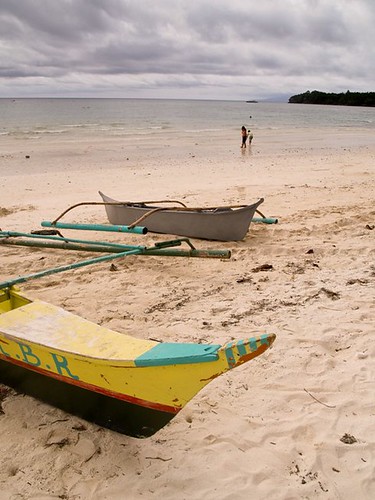
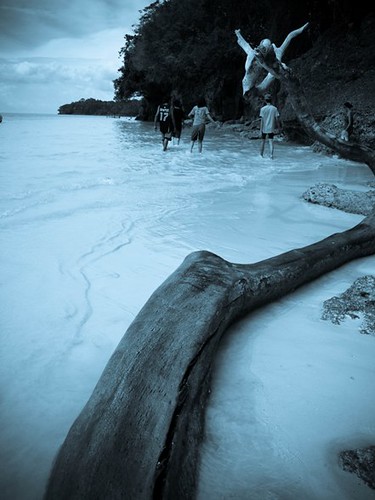
I spent a day and moment of my Christmas break just to relax from school stuffs. Since most of us decided to visit Gumasa, I joined in. Gumasa just fits the word wonderful.

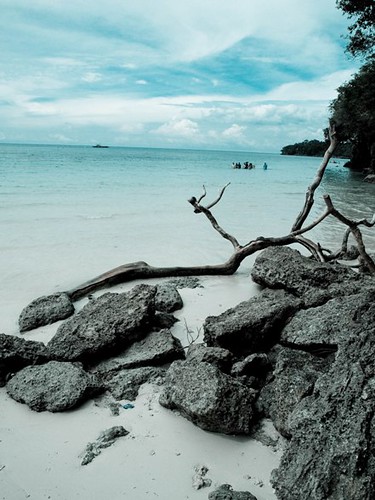
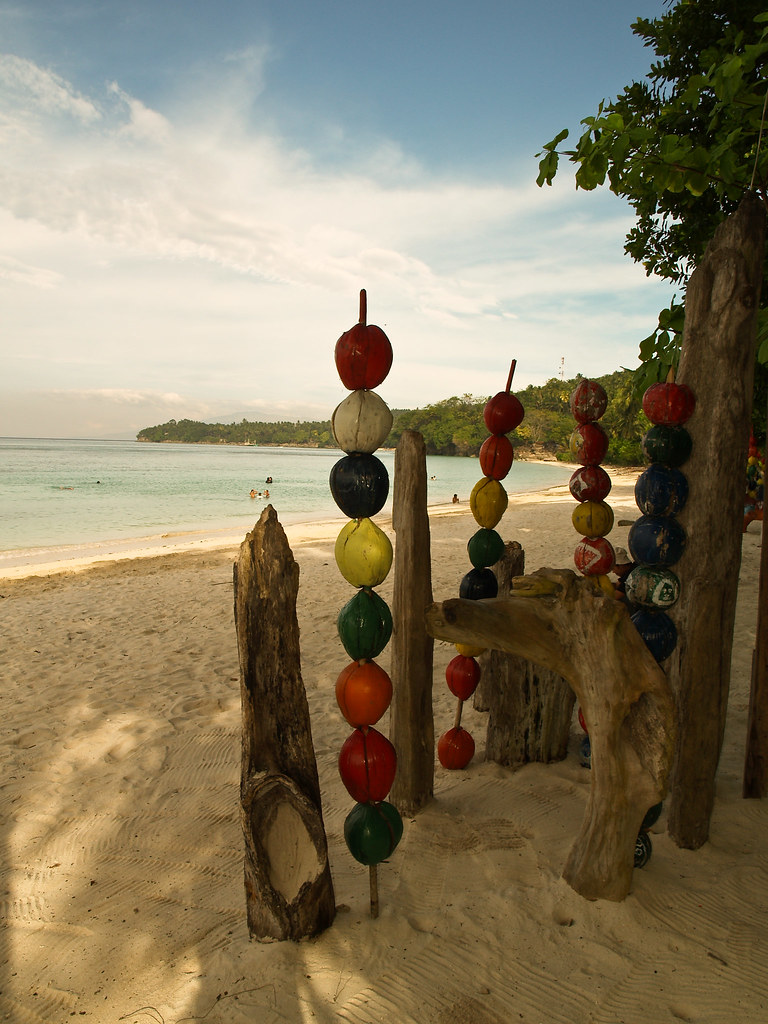
Gumasa is a barangay in Glan, Saranggani province widely known for it's belt of white sand beaches. For people who prefer peaceful ambience, then the 3-kilometer stretch of white sand in Gumasa suits you best.

HOW TO GET THERE:

Our starting point is from Gensan, and negotiated the driver's price to lead us directly into Gumasa.

For people who want certain stops, look for a public van which is mainly heading for Glan terminal. Vans are found beside Gensan's bus terminal, Bulaong. Arriving in Glan's terminal, approximately 40 minutes, go see jeepneys heading for Gumasa, or ride motorcycles, widely known as habal-habal in native dialect.

BEST THINGS TO DO IN GUMASA BEACH:

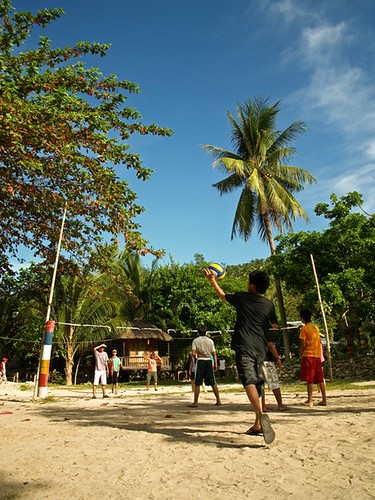
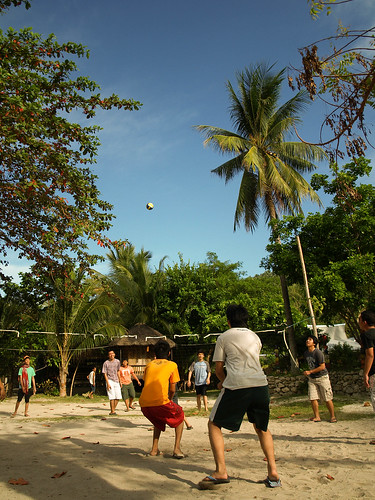
1.) Play beach volleyball. Trust me, it's really fun diving in the sand just to save the ball.
2.) For overnight stays, consider a bonfire party! It is really good to sizzle up a cold night in Gumasa trough bonfire.
3.) Play Frisbee. Since the place is silent, few people visit the place unlike the other famous beaches, you'd definitely indulge into playing physical activities in Gumasa.
4.) Stroll around the white sand stretch. Walking along the seashore with friends is a good way of relaxation.
5.) Take photographs. This is the best way to preserve your memories with Gumasa. Click the shutter!
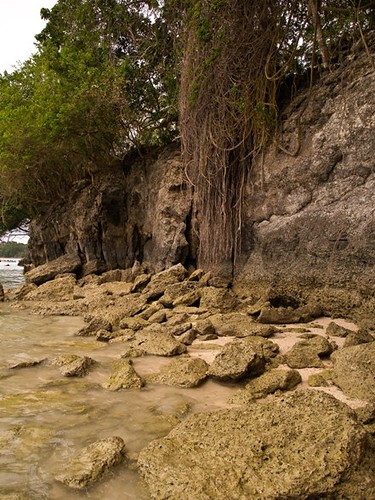
6.) Visit the small caves. Along the stretch of the beach, small caves meet you at the edge. It willbe fun dipping into their dark shades. Just be cautious.
7.) Meet people. It is really a fun thing to do when you talk to a person residing in that place. Talk with them.
8.) Somersault and dive into the waters. It would be a fun thing to do. Splash into the waters of Gumasa and find yourself staring at the blue sky.

I'll visit Gumasa again! Hopefully!

Click the photo to enlarge. Hover cursor to display captions.

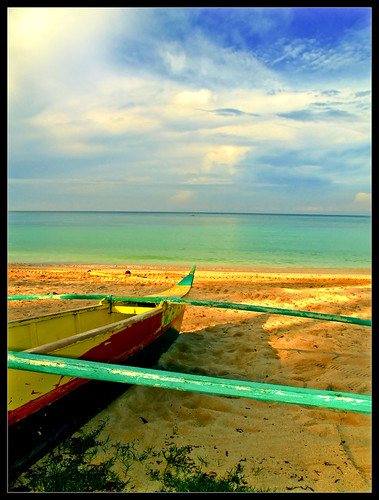
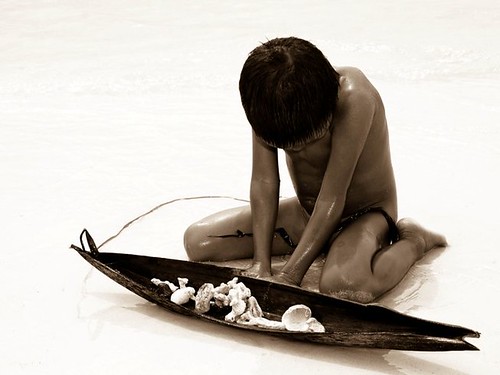
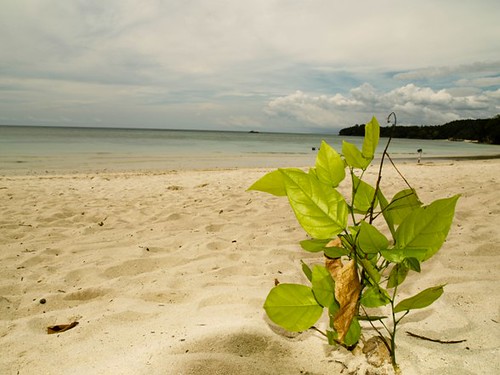
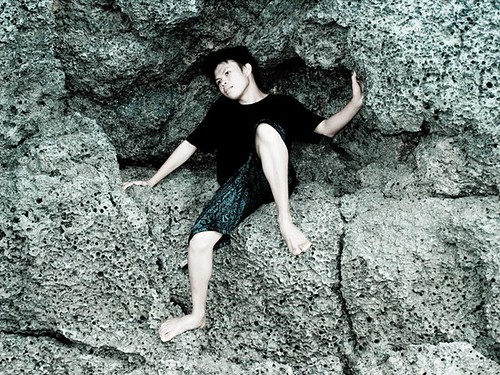
Experience Gumasa: kristanfranco.blogspot.comExperience Gumasa: kristanfranco.blogspot.comExperience Gumasa: kristanfranco.blogspot.comExperience Gumasa: kristanfranco.blogspot.com

Experience Gumasa: kristanfranco.blogspot.comExperience Gumasa: kristanfranco.blogspot.comExperience Gumasa: kristanfranco.blogspot.comExperience Gumasa: kristanfranco.blogspot.com
Experience Gumasa: kristanfranco.blogspot.comExperience Gumasa: kristanfranco.blogspot.comExperience Gumasa: kristanfranco.blogspot.com


Be sure to subscribe in this blog to recieve updates from the places I visited.

There is always a limitation in using a certain camera, but one thing's for sure, do not limit your creativity.
Since i've been limited into short range shooting, more specifically 18-55mm lenses, and pale color output, I eventually use Photoshop to help construct my output.

In basic photography, one thing that is important in a composition is adjusting the contrastt, cropping, or the other way around, rendering with the help of Photoshop.

Topaz' PS Filter is a great way to set the contrast in your photos to produce photo's popping effect. The package offers great photo effects template and manual sliders for the colors and contrast. It's good to experiment and its interface is very reliable.

This one is a shot from Tropicana Beach Resort, one of the beaces here in Gensan. To add a more dramatic effect, I turned it into black and white, and set the contrast high enough to distingush the two shades, I also use curves. To tweak more of it, I pop the image using Topaz.

kristanfranco.blogspot.com
This highway is located in Panabo, Davao del Norte. Since the original output of this one is pale, and the sky was so clear, where you can barely see clouds on it, the best thing to do is to turn it into black and white. In addition, I added a crisp on the photo using the same Topaz' filter.


kristanfranco.blogspot.com
If you are a Photography hobbyist, you can check the software here, and see for yourself.
For more digital graphics and photography-related tools and softwares, be sure to subscribe in this blog.

Xara 3D - Retro Wallpaper

Posted by Kristan Saturday, December 19, 2009 View Comments

If you are new to Xara 3D, then better read my post about the software, and it's simple yet cool features.

This wallpaper is the first wallpaper I created out of Xara 3D's 3D text effect with Photshop CS4 as enhancement. Learning the basics is a must.

Retro 3D Text Wallpaper:

kristanfranco.blogspot.com

Using bright colors and fuzzy fonts make a retro theme. Retro brushes and vector rays are the most common features of a retro-themed wallpaper.

This wallpaper is available in 1024x768 res, and 1280x800 res. Download here:

3d Retro Text 1024x768
3d Retro Text 1280x800

More updates? Subscribe in this blog now!

Xara 3D - Easy 3D Text Animation For Beginners and Pro

Posted by Kristan Friday, December 18, 2009 View Comments

If you are a interested in 3D animation and rendering, then Xara 3D by Xara suits you. The program broadens its features to beginners and pros. In fact, it is very easy to use.


With certain combination of additional programs, particularly Adobe Photoshop, graphic designers sizzle up the textures and text effects of the 3d made by Xara 3D. The program showcases features for 3d logos, buttons, and text animation. Another good thing about this program, it is very light, the installation size is approximately 25 MB.

Here are some cool output from Xara 3D with the enhancement of Photoshop:

Xara 3d review by Kristan Franco

Basic animations:

kristanfranco.blogspot.com

kristanfranco.blogspot.com

kristanfranco.blogspot.com

In every software, there are always pros and cons, here are some overview for Xara 3D...

Pros:

Basic tools
User-friendly environment
Smooth output
Anti-aliased
Very smooth program
Low-cost

Con/s:

The main con of this software is that, you'll have to be exposed in other enhancing program such as Photoshop, Flash, and Illustrator because this software is limited only to its main features such as 3d, lightning, and animating. If you are a digital art practitioner, you'll eventually enhance the output through Photoshop, etc. YOU NEED CREATIVITY.

If you want to download Xara 3D, click here. For you to test out the software, they offer 15-day trial, and then you could go for the full version by purchasing it.

Get started now, and be creative!

For updates like these, be sure to subscribe in this blog.

Stay Connected


Recieve FREE email updates from Kristan Franco

Enter your email address:


Bookmark and Share


Blogs You'd Like to Visit